
Couldn't load your family
Check your connection and try again.
Share this with anyone who wants to join your family on Marv.
Inviting your partner or family is a paid feature. Upgrade to Marv Paid to share access via a join code.
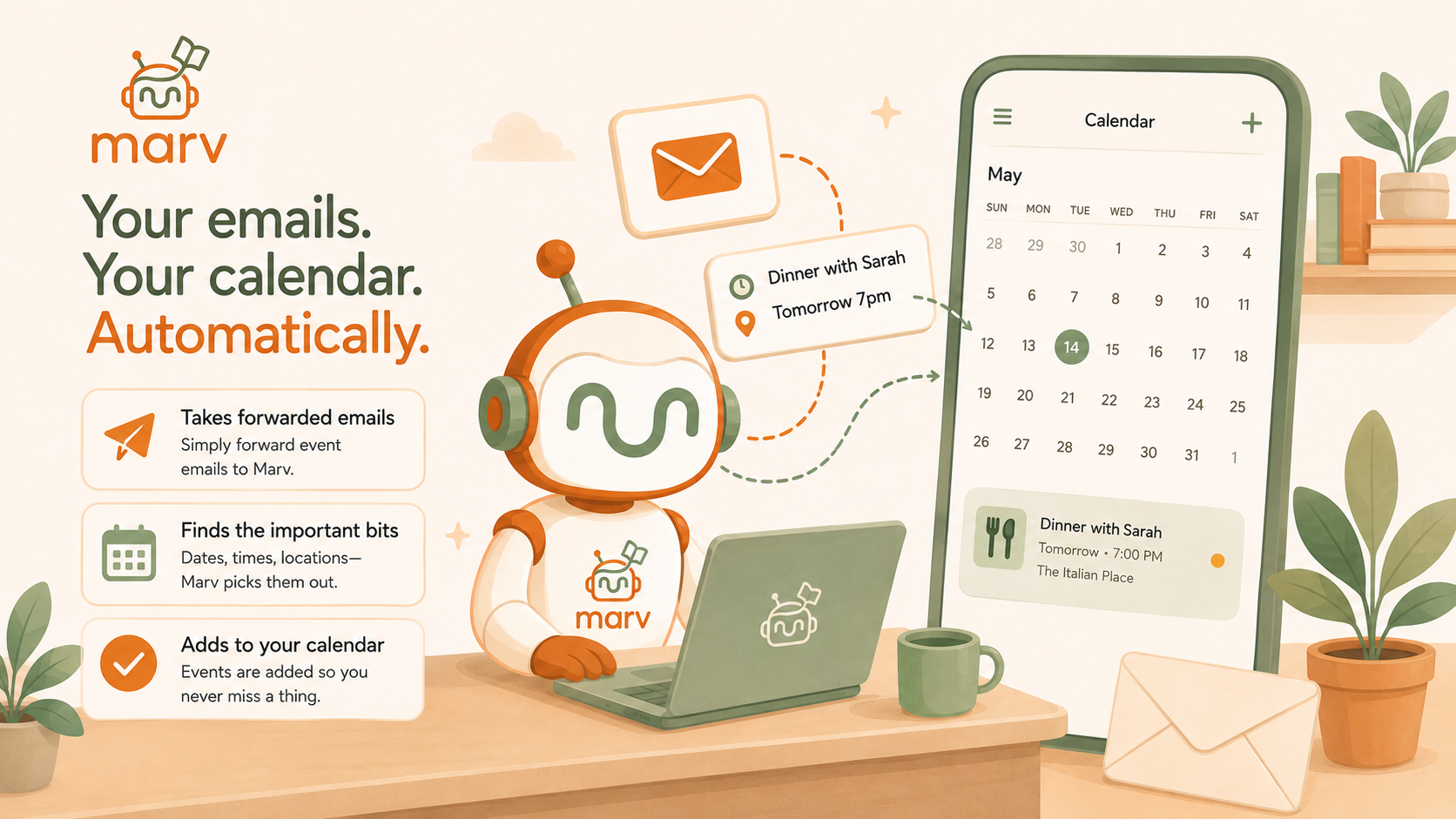
When you get an email about a school trip, appointment, or event — forward it to this address and Marv will add it to your calendar automatically.
The quick way: any time you get an email with an event in it, just forward it to your Marv address above. That's all you need to do — no setup required.
The automatic way: set up a rule so emails from your child's school (or GP, sports club, etc.) are forwarded automatically — you never have to think about it. Instructions below.
1 Add your Marv address to Gmail
Click ⚙ → See all settings → open the Forwarding and POP/IMAP tab → Add a forwarding address → paste your Marv address above → click Next → Proceed → OK.
2 Wait for Marv to verify
Gmail sends a verification request to Marv. We approve it automatically — usually within a few minutes. Once approved, refresh your Gmail settings page to see the forwarding show as active.
3 Create filters for your school & clubs (unlocked once verified)
This tells Gmail which emails to send Marv — without filters, your entire inbox forwards here. Create one filter per sender.
💡 Only emails you forward reach Marv — add a filter for each sender you want it to track.
Step 1 — In Outlook or Hotmail, click the cog ⚙ (top right) → View all Outlook settings → Mail → Rules.
Step 2 — Click Add new rule. Give it a name (e.g. "Forward school emails to Marv").
Step 3 — Under Add a condition, choose From and enter the sender's address. Under Add an action, choose Forward to and paste your Marv address from above. Click Save.
✅ No verification needed — the rule starts working straight away.
Most email apps support automatic forwarding rules, but the steps vary. If you're not sure how to set one up for your provider, drop us a message and we'll help you get it working.
Contact us for help →See exactly what Marv's read from your inbox — what got added to your calendar, what was skipped, and why. Upgrade to Marv Paid to view your activity.
Marv uses this to assign emails to the right family members. It grows automatically as emails are processed — you can also edit it directly.
Choose when Marv adds a reminder when it puts an event in your calendar. Applies to all family members.
Weekly digest is a paid feature. Upgrade to receive a Sunday evening summary of your family's week ahead, powered by Marv.
Receive a weekly email every Sunday evening with your family's upcoming week and Marv's take on it.
Marv sends a notification when it adds new events from your emails. Send a test to check notifications are working on this device.
Emails from these addresses won't create events. Block a sender using the 🚫 button on any event they created.
Marv is a family assistant that turns your emails into calendar events. Forward a school newsletter, a sports fixture list, or a party invite and Marv extracts the dates and adds them to your family calendar automatically.
Built by heymarv.co.uk
Forward any single email here and Marv reads it — no setup required. You choose what gets sent, each time.
—
Found a bug or have a suggestion? Tell us what happened.
Take a photo of a school letter, notice, poster or timetable and Marv will pull out the events.
No events found. Try a clearer image of a letter or schedule.
Tap the mic and describe an event — for example,
"Jack has football practice on Friday at 3pm"
I heard
Voice input isn't supported in this browser.
Try Chrome or Edge.
Describe the event in plain text — for example,
"Jack football Saturday 10am Testwood"
Share text to Marv from any app and it will appear here automatically.
Works with WhatsApp, SMS, browsers, notes apps and more.
Link your account so Marv knows whose events to highlight.